Central Control & Matrix · Visual Management System
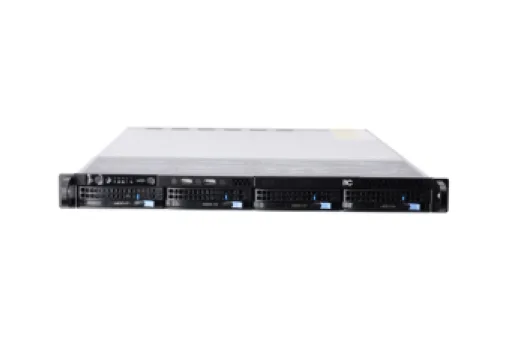
The content management software is installed on the system server and supports functions such as resource file management, custom program arrangement, program
publishing, and centralized terminal control. It enables the distribution of various multimedia program content to different playback display terminals, making multimedia
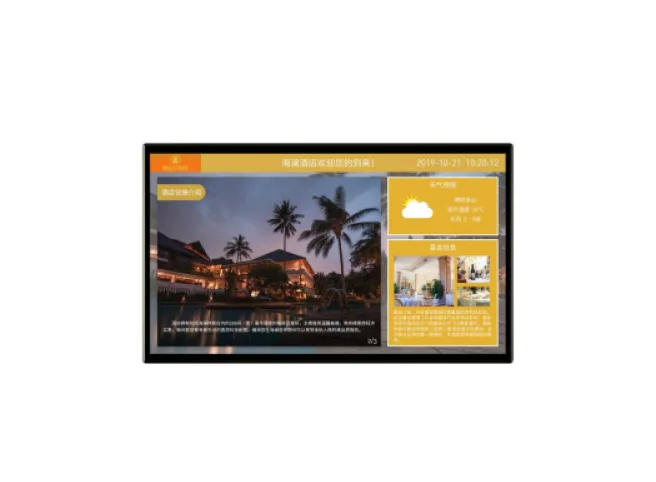
publishing screen management and control more efficient, flexible, intelligent, and secure. It is widely used in government and enterprise units, commercial centers, retail stores,
hotels, communities, educational institutions, and other venues for advertising and cultural media distribution.
Features
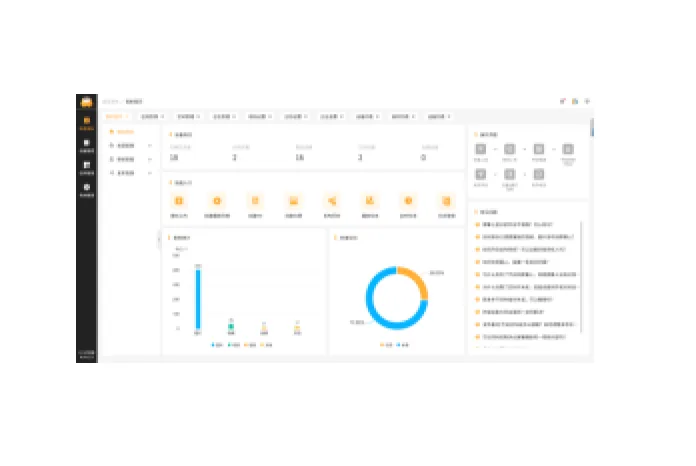
- The homepage provides quick access to frequently used functions and a FAQ module, allowing users to view common questions (text/images) to resolve basic doubts.
- It also supports server storage space, material statistics, and real-time usage data viewing.
- It supports publishing image, video, file, and audio material resources. It supports file upload management and includes PNG, JPG, JPEG, GIF, BMP, and TIFF image
- formats; MP4, AVI, MKV, RMVB, and TS video formats; MP3 audio format; and PDF, PPT, PPTX, DOC, DOCX, XLS, and XLSX file formats.
- It has a built-in transcoding tool, supporting custom selection of 2K and 4K resolution video transcoding, and allows configuration of screen orientation, resolution,
- bitrate, and frame rate parameters.
- It supports batch file upload, one-click preview, quick file location and search, file details viewing, list/grid view, and file group management.
- The platform supports the creation of 6 program types: playlist programs, H5 programs, news programs, live stream programs, web page programs, and split-screen
- programs, and supports program group management.
- It has a built-in visual H5 editor, allowing for quick layout by inserting or dragging and dropping components such as text, images, videos, carousels, QR codes, tables,
- and countdowns. It supports layer management, attribute and animation configuration; supports landscape and portrait mode switching and custom resolution layout;
- and includes 30 built-in general H5 templates, supporting preview, copying, and quick generation.
- It has a built-in visual touch-interactive template layout editor with 4 built-in general layout templates. It supports creating layout programs, including drag-and-drop
- layout and combination of commonly used components such as images, videos, carousels, logo walls, card lists, buttons, combo boxes, progress bars, etc. It supports
- customizable component attributes such as global, clickable, disabled, component-specific, and animation effects, and supports binding to multiple data sources such as
- component static data, CSV files, and APIs.
- Supports split-screen content creation. A single screen can be evenly divided into 1×2, 2×1, or 2×2 split-screen layouts. Different content can be dragged and dropped
- to each block, making the operation intuitive and easy to use.
Request a Project Consultation